Choosing the right image format is crucial for your website’s speed, SEO, and user experience. In this article, we’ll explore the PNG vs WebP debate with well-researched insights to help you decide which format suits your needs best. From compression methods, quality, file size, to browser support and SEO impact — we’ve got you covered.
What is PNG?
PNG (Portable Network Graphics) is a lossless image format introduced in 1996. It preserves every pixel’s detail perfectly, making it ideal for images requiring sharp lines, transparent backgrounds, and fine details like logos and icons. PNG supports alpha transparency, ensuring crisp edges and partially transparent designs. It’s universally supported by all browsers and image editors, making it reliable for consistent display across devices. However, PNG files tend to be larger, especially for complex images or photographs, which can slow down website loading times.
What is WebP?
WebP, developed by Google in 2010, is a modern image format designed to provide superior compression with minimal quality loss. It supports both lossless and lossy compression, offering strikingly smaller file sizes compared to PNG — up to 25–30% smaller lossless and over 50% smaller in lossy mode. WebP supports transparency with alpha channels and allows animation, replacing GIFs with higher quality, smaller files. Supported natively by all major modern browsers like Chrome, Firefox, Edge, and Safari 14+, WebP significantly enhances website performance, especially on mobile.
Use PNG To WebP Converter Tool
PNG vs WebP: Compression and File Size
- PNG: Uses lossless compression, ensuring no quality loss but larger file sizes.
- WebP: Offers both lossless and lossy compression. Lossless WebP files are about 26% smaller than PNGs, while lossy WebP can reduce file sizes by over 50% without noticeable quality degradation.
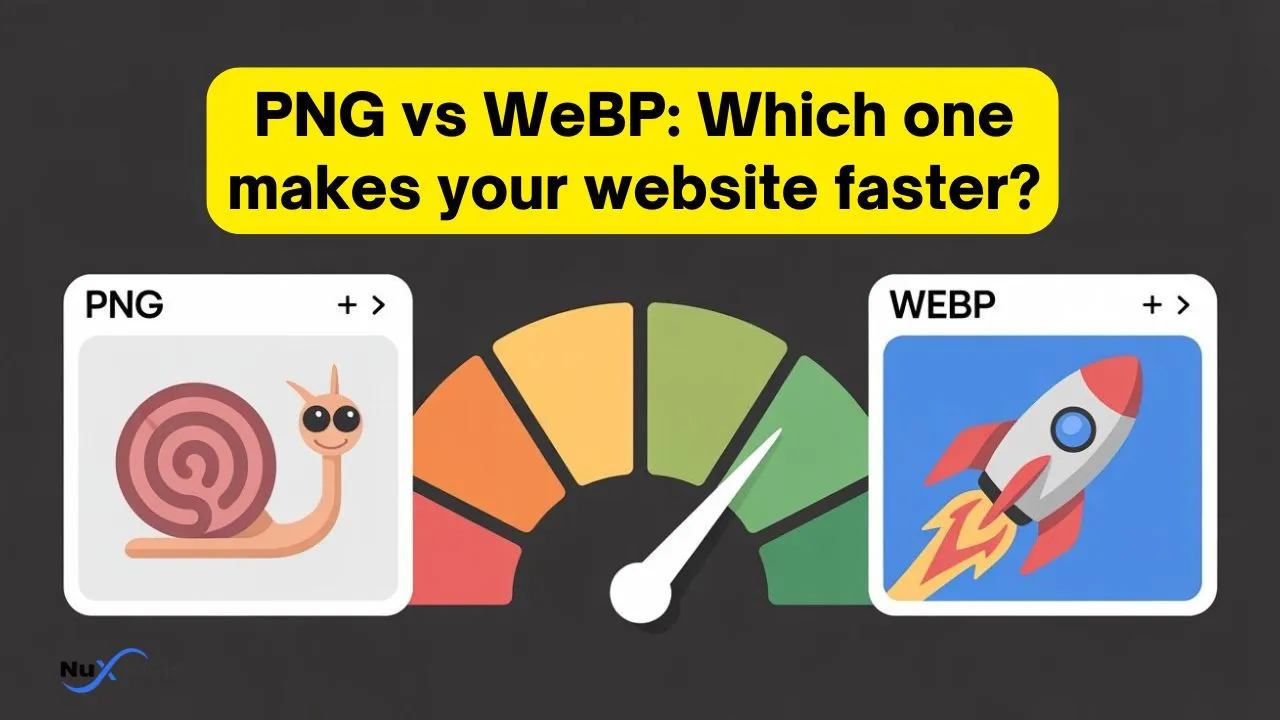
Smaller images mean faster page loads, reduced bandwidth usage, and better SEO rankings. For example, a 500 KB PNG can shrink to approximately 250 KB as a WebP image, boosting your site speed and user engagement.
Quality and Transparency
- Both PNG and lossless WebP maintain high-quality and crisp details.
- WebP’s lossy mode might slightly reduce fidelity, but it’s usually imperceptible on websites.
- Both support alpha transparency for smooth edges and overlays.
- WebP supports animation natively, while PNG does not.
For design-critical graphics like logos or UI elements, PNG remains trusted. For photographic or content-heavy images, WebP offers the best balance of quality and size.
Browser Compatibility and Usage
- PNG works everywhere, including legacy browsers, making it universally reliable.
- WebP is supported by all major modern browsers (Chrome, Firefox, Edge, Safari 14+), covering the vast majority of users.
For audiences using old browsers without WebP support, fallback PNG images can be implemented. Most CDNs and modern build tools support serving WebP with fallback automatically.
SEO Impact and Website Performance
Google favors fast-loading sites with optimized images. Using WebP images often results in better PageSpeed Insights scores (5–10 points improvement) due to smaller file sizes and faster load times. This can boost your search engine rankings, reduce bounce rates, and improve conversions.
Mobile users benefit greatly from WebP’s smaller sizes, reducing data usage and speeding up content rendering. PNG files, due to larger sizes, can cause slower load times and higher bandwidth consumption.
When to Use PNG vs WebP
- Use PNG for images requiring pixel-perfect accuracy, extensive edits, or guaranteed legacy browser compatibility.
- Use WebP for most web images—photographs, illustrations, animations—to optimize loading speed and SEO.
Many websites use a hybrid approach: serve WebP where supported and fallback to PNG otherwise.
Conclusion
In the PNG vs WebP debate, WebP generally wins for most use cases on modern websites due to its superior compression, animation support, and SEO benefits. However, PNG retains value for graphical precision and universal compatibility. Adopting WebP alongside PNG fallbacks allows you to optimize both quality and performance.
Ready to boost your website speed and SEO with the right image formats? Start converting your PNGs to WebP today and experience the difference!